 CHARACTERHaruhiStudent and cafe worker; first reported device: Autorolla Razor.Open index
 Independent repair desk · source-checked
ReStory Repair Wiki
A source-checked field guide for ReStory: Chill Electronics Repairs—from your first customer to saves, firmware, achievements, devices, and endings.
ABOUT THE GAME
What is ReStory: Chill Electronics Repairs?
ReStory is a chill, narrative-driven shop-management simulator set in mid-2000s Tokyo. You restore nostalgic electronics while customer conversations shape the shop around you.
Repair the past. Keep the shop alive.
The official Steam listing confirms disassembly, cleaning, part replacement, reassembly, shop finances, a Y2K-style parts web, and face-to-face or online orders. Customer dialogue feeds a replayable branching story, while exact ending counts and triggers remain pending confirmation.
Mandragora developed the game and tinyBuild published it for Windows and macOS on August 6, 2026. This guide puts the useful answer first, shows the applicable version or date, and links you back to the original official page whenever details may change.
- Developer
- Mandragora
- Publisher
- tinyBuild
- Platforms
- Windows · macOS
- Storefront
- Steam
- Genre
- Narrative shop-management sim
- Release
- August 6, 2026
- Main story
- 15+ hours · developer estimate
- Achievements
- 50 on Steam
PRIORITY TICKETS
What are you fixing?
Pick the job in front of you and open the matching guide. Each page starts with the short answer, then gives the steps, version notes, and official links you may need.
01Partly confirmed
START
Beginner Guide
Read the customer request, inspect the device, then move through disassembly, cleaning, part replacement, reassembly, and testing.
Open repair ticket →
02Partly confirmed
START
Repair Bench Basics
Browse six device categories, an all-devices index, and 20 brand labels, then use the current customer brief for model-specific repair checks.
Open repair ticket →
03Partly confirmed
DATA
Saves & Bug Recovery
Back up the full data folder before testing a fix, then collect the build, platform, job, screenshots, and reproduction steps.
Open repair ticket →
04Partly confirmed

START
Choices & Completion
Treat customer dialogue as a story decision and keep branch backups; exact ending counts and trigger routes remain pending confirmation.
Open repair ticket →
VISUAL ARCHIVE / FIELD INDEX
Explore the ReStory archive.
A curated route through the people, hardware, shop inventory, and artwork already documented across the wiki.
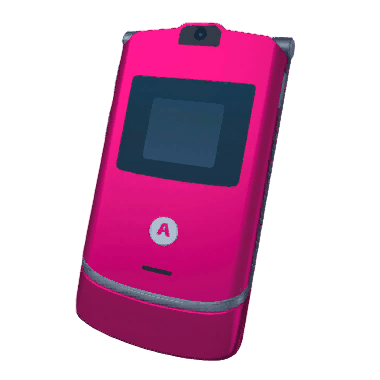
CHARACTERHaruhiStudent and cafe worker; first reported device: Autorolla Razor.Open index  DEVICEAtari 2600A game console in the wiki's 29-device visual index.Open index
  REPAIR SHOPAir DusterThe cited catalog's only consumable tool.Open index
  GALLERYEggotchi conceptAn official Digital Artbook concept sheet in the visual gallery.Open index
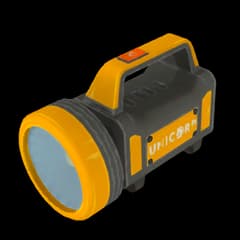
  CHARACTERSakamotoPolice inspector; first reported device: Unicorp 99L flashlight.Open index
  DEVICEPalaloidThe instant camera entry in the named device index.Open index
  REPAIR SHOPBacklit Oak Storage ShelfA furniture style indexed by price and placement limit.Open index
  GALLERYHaruhi character conceptAn official Digital Artbook character sheet with a supplied full-size view.Open index
  CHARACTERYuiYoung customer; first reported device: Eggotchi.Open index
  DEVICENony PlayMachinePortable game hardware in the named game-console index.Open index
  REPAIR SHOPDaruma DollA decoration whose cited table and prose disagree on Zen.Open index
  GALLERYTurbo sticker sheetA colorful car sticker sheet with a supplied full-size gallery view.Open index
  CHARACTERHashimotoLandlord; first reported device: Pokia 3310.Open index
  DEVICEAutorolla RazorA flip phone in the six-model cell-phone catalog.Open index
  REPAIR SHOPSoldering IronA catalog tool used to repair solder faults after cleaning.Open index
  GALLERYStranger artworkFull character artwork from the supplied in-game image set.Open index
 01 / 16
THE REPAIR LOOPSlow hands.
Slow hands.
Clean repairs.
Read the order, inspect the device, work through each part carefully, and test the finished repair before handing it back.
Read the beginner workflow →- 01Read the request
Check what the customer wants and which device is on the bench.
- 02Inspect
Open the device carefully and identify dirty, damaged, or missing parts.
- 03Repair
Clean the internals, replace the faulty part, and restore the connections.
- 04Reassemble & test
Put every part back, run the final check, and complete the order.
OFFICIAL SOUNDTRACK
Keep the repair bench in flow.
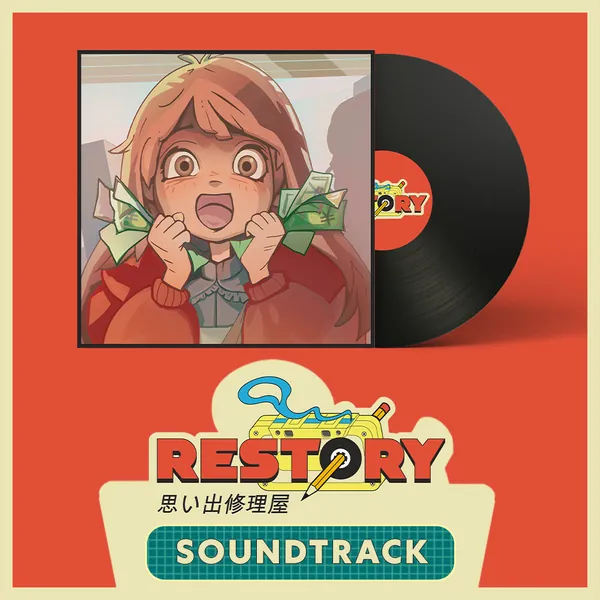
The official soundtrack release includes 20 atmospheric chill-hop and lo-fi tracks: 10 in-game-filter versions and 10 clean versions composed and performed by M. Harvey Bee.
- Released
- August 12, 2026
- Tracks
- 20
- Format
- WAV
COMMUNITY WATCHES
See the repair bench in motion.
Community gameplay and creator reviews add player perspective. They are linked for context, not treated as official evidence.
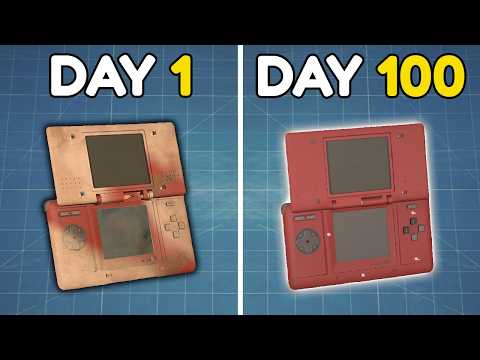
Community gameplayReStory: Chill Electronics Repairs [1]Gab Smolders Community gameplayI Played 100 Days of ReStory: Chill Electronics RepairsSkoottie Russian creator gameplayReStory Repair Simulator — Full GameplayKuplinov Play Creator reviewReStory: Chill Electronics Repairs | Worth Your Time and Money | (Overview)The Scarlet Seeker
![ReStory: Chill Electronics Repairs [1]](/_next/image/?url=%2Fimages%2Frestory%2Fcreators%2Fgab-smolders.jpg&w=3840&q=75)


FULL SERVICE MANUAL
Search every page →Browse by system
03
Troubleshooting
Save folders, bug reports, and safe recovery checks.
04
Completion
Story length, endings, and achievements with spoiler boundaries.
05
Reference
Source-labeled device and character indexes with clear first-party gaps.
07
Game Info
Release, demo, language, and development context.
08
Buying
Timestamped price and review context before checkout.
BEFORE YOU FOLLOW A GUIDE
Know what is confirmed.
Prices, platform support, bugs, and repair behavior can change after an update. Status labels show which details come from an official page and which still need confirmation.
Officially confirmed
Backed by the official store, announcement, or platform page.
Partly confirmed
The main answer is useful, but some details still need confirmation.
Game team statement
Reported by the game team; check the date and version shown.
Needs confirmation
No official confirmation is available yet.
CODE CHECK
Game codes and store coupons.
ReStory has no verified in-game redemption system. Third-party store coupons are listed separately and must be rechecked at checkout.
Redemption systemNone verified
No official redemption-code system is verified.
Active codesNone verified
No verified active code is published here.
THIRD-PARTY STORE COUPONS
Checked Aug. 31, 2026Checkout tests, not game codes
OFFICIAL LINKS
Go to the source.
Use these official destinations for live store, community, video, and launch information.
Steam store ↗Mandragora website ↗tinyBuild website ↗Official Discord ↗tinyBuild YouTube ↗Steam Community ↗Official launch trailer ↗
“Run a quaint electronics repair shop in mid-2000s Tokyo.”
PLAYER QUESTIONS
Before you start a repair
Where should I start in ReStory?+
Open the beginner guide first, then choose the device, save, firmware, bug, or completion page that matches the job in front of you.
Are there active ReStory redemption codes?+
No official redemption-code system or active code has been verified, so both code slots display None verified.
Where can I re-check changing details?+
Use the official Steam store, announcements, achievements, Discord, and YouTube links included throughout the guide.
SHOP IS OPEN
Ready to master ReStory?
Start with a source-backed beginner route, keep a backup before story branches, and re-check patch-sensitive facts against official updates.